Dunkin Donuts Gift Card Balance: Check It Online (2026)
Security Notice: DunkinMenuPrice.com does NOT collect card numbers or PINs. Only check your balance through the official Dunkin’ app or at dunkindonuts.com.
Want to know how much money is left on your Dunkin gift card before ordering your favorite coffee, donuts, or breakfast? Checking your Dunkin Donuts gift card balance is simple, and you have several options depending on whether you have a physical card, digital card, or registered card.
Dunkin provides an official online balance checker where you can enter your card number and PIN. According to Dunkin’s current gift card page, the balance checker accepts a 16- or 19-digit card number and an 8-digit PIN. Registered Dunkin Cards can also be managed through the Dunkin app or your account on DunkinDonuts.com.
In this guide, you will learn how to check your Dunkin gift card balance online, use the Dunkin app, check your balance by phone, find your PIN, understand expiration rules, and deal with common card problems.
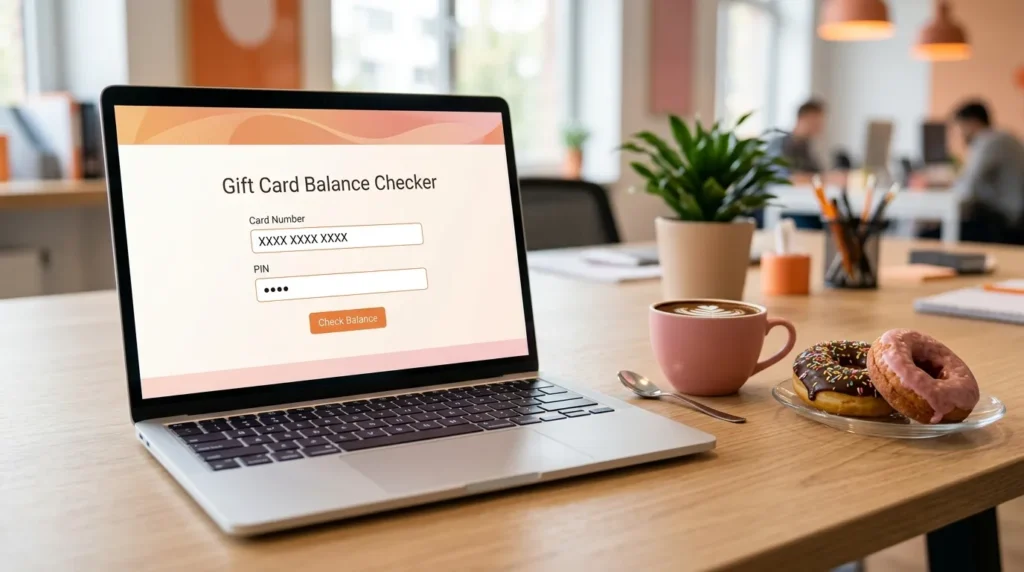
How to Check Your Dunkin Donuts Gift Card Balance Online
The easiest option for many cardholders is checking their balance directly through the official Dunkin website.
To check your Dunkin Donuts gift card balance online, you need the card number and PIN. Dunkin’s official gift card page currently asks for a 16- or 19-digit card number with no spaces and an 8-digit PIN.
Steps to Check Your Balance Online
- Visit the official Dunkin gift card page.
- Locate the balance-checking section.
- Enter your Dunkin card number.
- Enter your PIN.
- Submit the information to view the available balance.
You can use the official Dunkin gift card page here:
Dunkin Official Gift Card Balance Checker
For security, always check that you are using the official DunkinDonuts.com website before entering your card number or PIN.
What Information Do You Need to Check a Dunkin Gift Card Balance?
Most physical Dunkin Cards require two pieces of information for the online balance checker:
Card Number: Dunkin’s current official checker accepts a 16- or 19-digit number.
PIN: The official page currently specifies an 8-digit PIN.
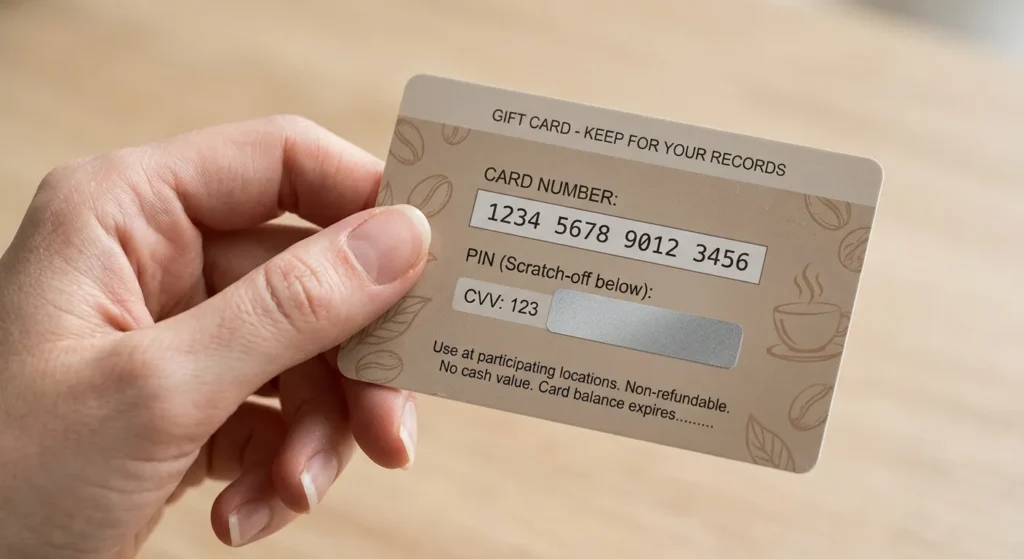
For physical cards, Dunkin says the card number and PIN are located on the back of the card. The PIN may be hidden underneath a scratch-off area.
If your card does not have a PIN or ID number on the back, Dunkin advises customers to contact its Loyalty Support Team at 1-800-447-0013. The company’s gift card page also says customers without a PIN can visit a participating Dunkin location to check their balance.
How to Check Dunkin Gift Card Balance in the App
If you regularly use Dunkin, checking your card balance through the mobile app can be convenient.
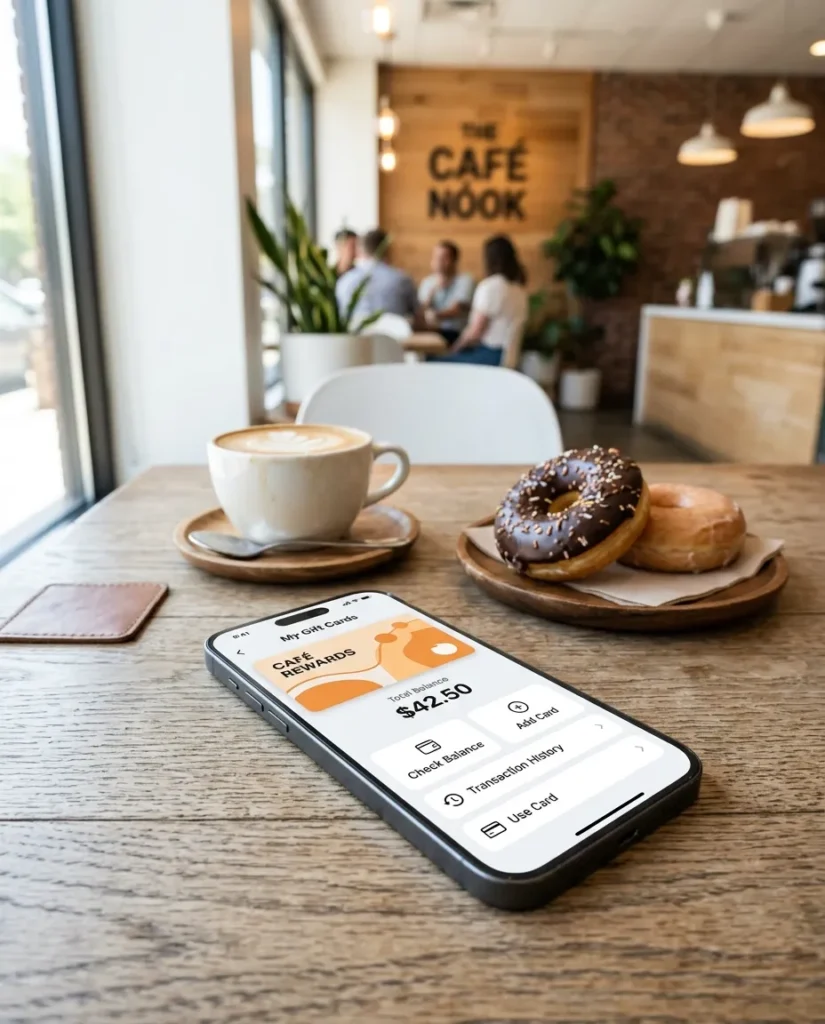
Dunkin states that Rewards members can check the balance of registered Dunkin Cards after signing in to the Dunkin app. The current support information directs app users to Add/Manage Cards from the main menu.
Steps to Check Your Balance in the Dunkin App
Open the Dunkin app and sign in to your account. Then go to Add/Manage Cards and select the registered card you want to view.
Your card balance should be shown with the card information. If the balance does not appear to reflect a recent transaction, Dunkin recommends manually refreshing the balance. In the app, select the card and use the refresh control next to the displayed balance.
Keeping your Dunkin Card registered can also help protect your balance if your physical card is lost. Dunkin recommends registering cards for this reason.
Can You Check a Dunkin Gift Card Balance Without an Account?
Yes. You do not have to register a Dunkin Card just to use it, and Dunkin provides an online balance-checking option using the card number and PIN.
However, registering your card can provide additional account-management features. Registered cards can be viewed through the Dunkin website or app, and Dunkin says registration can help protect the balance if a card is lost.
This means a customer who only wants to check a balance does not necessarily need to create an account, while frequent Dunkin customers may prefer to keep their cards connected to their account.
How to Check Dunkin Gift Card Balance by Phone
Another way to check your Dunkin gift card balance is by phone.
Dunkin’s official customer support page states that customers can call:
1-800-447-0013
and select Option 2 to check the card balance.
This can be especially useful when you are having difficulty accessing the website or app.
When contacting customer support about a card problem, keep your card details available. Dunkin also lists this number for Dunkin Rewards and mobile app questions. Its current customer support hours are Monday through Friday, 7 a.m. to 7 p.m. ET.
Can You Check Your Dunkin Card Balance at a Dunkin Location?
Yes. Dunkin’s current gift card page says that if a gift card does not have a PIN, customers should visit a Dunkin location to check the balance.
This can be useful for older or physical gift cards that do not provide the PIN required by the online balance checker.
You can also ask the store team for assistance if you are having trouble using your card. It is a good idea to keep the physical card with you so the card details can be checked.
Does a Dunkin Gift Card Expire?
According to Dunkin’s current official gift card page, Dunkin gift cards never expire and do not lose value because of inactivity. The company also states that there are no fees for having a card balance.
That means you do not have to rush to spend the money simply because the card has been sitting in your wallet for several months.
Although the card itself does not expire, it is still important to protect the card number and PIN. Anyone who obtains the necessary card information may potentially be able to use the available funds.
Can You Use a Dunkin Gift Card Anywhere?
Dunkin states that its gift cards can be used at participating Dunkin restaurants in the United States.
The same official page states that Dunkin gift cards cannot be used to purchase other gift cards and cannot be redeemed for online orders.
Because participation and accepted payment methods can vary by location or service, checking with the specific Dunkin restaurant can be helpful when you are unsure.
What Happens If Your Dunkin Gift Card Balance Is Not Updated?
Sometimes the balance shown on an account may not immediately match what you expect after making a purchase.
Dunkin’s support page says that if the balance does not update immediately after a transaction, customers can manually refresh it. The company specifically provides a refresh option in both the Dunkin app and the Dunkin website.
Try These Steps
First, refresh the balance in your Dunkin account or app.
Next, check your most recent transaction information.
If the balance still appears incorrect, contact Dunkin customer support at 1-800-447-0013.
Avoid repeatedly entering card details on unfamiliar third-party websites. Your safest option is to use Dunkin’s official website or official app when checking sensitive gift card information.
Can You Add a Dunkin Gift Card to the App?
Yes. Dunkin provides the ability to manage registered cards through its app. Its support information explains that users can sign in and use Add/Manage Cards to manage Dunkin Cards.
Adding a card to your account can make it easier to keep track of the available balance and manage multiple cards.
Dunkin also allows customers with more than one eligible card to merge balances through the app or website. The current support instructions include a Merge Balance to Primary option in the app and a transfer-funds process on the website.
Can You Combine Multiple Dunkin Gift Cards?
Dunkin currently allows customers with more than one card on an account to merge gift card balances.
In the Dunkin app, the company instructs users to open Add/Manage Cards, select an additional card, and choose Merge Balance to Primary. The website also offers a transfer-funds option for moving a balance from one card to another.
This feature can be useful if you have received several Dunkin gift cards and want to keep your available funds together rather than checking several cards individually.
Keep in mind that Dunkin says cards merged from an additional card will be unregistered and removed from the account after the merge is completed.
What If Your Dunkin Gift Card Is Lost or Stolen?
A lost gift card can be frustrating, especially when it still has money on it.
Dunkin recommends registering your card because registration can help protect the balance if the physical card is lost. According to the company’s support information, when a registered card is reported lost, Dunkin can freeze the balance, transfer it, and provide a replacement.
An unregistered card should be treated like cash. Dunkin says it cannot replace an unregistered card if it is lost or stolen.
For that reason, registering a Dunkin Card soon after receiving it can be a useful precaution.
Can You Get Cash Back From a Dunkin Gift Card?
Dunkin states that gift card balances cannot be redeemed for cash, a check, or credit unless required by applicable law.
A Dunkin gift card is intended to be used for eligible purchases at participating locations rather than functioning like a bank account or standard debit card.
Because gift card cash-out rules can depend on applicable state law, customers with very small remaining balances may want to review the rules that apply in their location.
How to Reload a Dunkin Gift Card
If your balance is getting low, Dunkin provides options for reloading a Dunkin Card.
The company says Dunkin Cards can be purchased or reloaded using cash, credit card, or debit card. Dunkin does not allow one Dunkin Card to be used to purchase or reload another Dunkin Card.
For customers who use Dunkin frequently, the company also provides an auto-reload feature. Dunkin’s support information describes scheduled auto-reloads and balance-based auto-reloads.
Auto-reload can help prevent situations where you arrive at Dunkin and discover that the card does not have enough funds for your purchase.
Common Reasons You May Have Trouble Checking Your Dunkin Gift Card Balance
If the balance checker is not working, the problem may be related to the information being entered or the card itself.
Incorrect Card Number
Make sure you enter the card number exactly as shown. Dunkin’s current online checker asks for 16 or 19 digits without spaces.
Incorrect PIN
Check the back of your physical card for the PIN. Dunkin says the PIN may be hidden beneath a scratch-off sticker.
Card Does Not Have a PIN
Dunkin directs customers with cards that do not have a PIN to a Dunkin location or to customer support.
Recent Transaction
If you recently used the card, the displayed balance may need to be refreshed. Dunkin specifically recommends manually refreshing the balance in the app or website.
Dunkin Donuts Gift Card Balance FAQs
How do I check my Dunkin Donuts gift card balance?
You can check your balance on DunkinDonuts.com using your card number and PIN. Registered cards can also be checked through the Dunkin app or website. Another option is calling 1-800-447-0013 and selecting Option 2.
How many digits is a Dunkin gift card number?
Dunkin’s current online gift card checker accepts a 16- or 19-digit card number without spaces.
How many digits is a Dunkin gift card PIN?
The current Dunkin gift card balance page specifies an 8-digit PIN.
Can I check my Dunkin gift card balance without the PIN?
For the online balance checker, Dunkin requires the card number and PIN. If your physical card does not have a PIN, Dunkin says to visit a Dunkin location to check the balance or contact its Loyalty Support Team.
Do Dunkin gift cards expire?
No. Dunkin’s current gift card terms state that its cards never expire and do not lose value because of expiration.
Can I check a Dunkin gift card balance by phone?
Yes. Call 1-800-447-0013 and select Option 2.
Can I use my Dunkin gift card online?
Dunkin’s current gift card page says its gift cards cannot be redeemed for online orders. The company states that cards are usable at participating Dunkin locations in the United States.
Can I combine two Dunkin gift cards?
Dunkin currently provides balance-merging functionality for multiple cards through the Dunkin app and website.
What should I do if my Dunkin gift card is lost?
Registering the card can help protect the balance. Dunkin says registered cards may be frozen and transferred when reported lost, while unregistered cards are not replaceable if lost or stolen.
Final Thoughts
Checking your Dunkin Donuts gift card balance does not have to be difficult. The quickest option is usually the official Dunkin website, where you can enter your card number and PIN to view the balance. You can also manage registered cards through the Dunkin app or website, or call Dunkin customer support at 1-800-447-0013 and select Option 2.
Dunkin gift cards do not expire, can be used at participating Dunkin locations in the United States, and can be managed through the company’s official digital tools. Registering your card is also worth considering because it can help protect the balance if the physical card is lost.
For the most accurate and current information, always use
the official Dunkin website or Dunkin app when checking yo
ur card details, managing funds, or contacting customer support.
Last reviewed: October 2026